

Use with one inbox
No protection against price changes
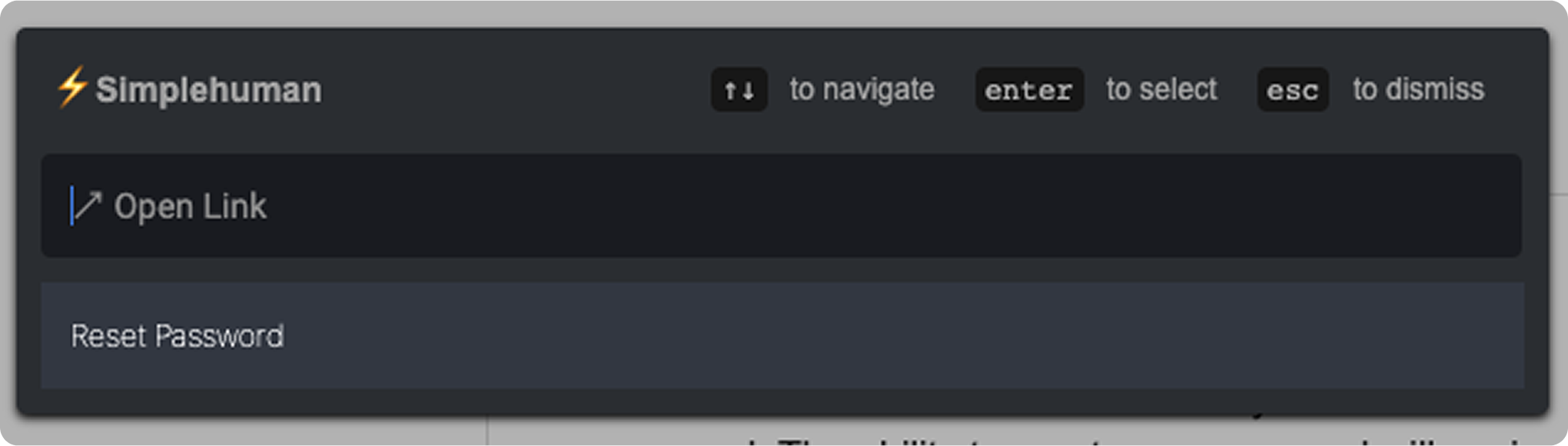
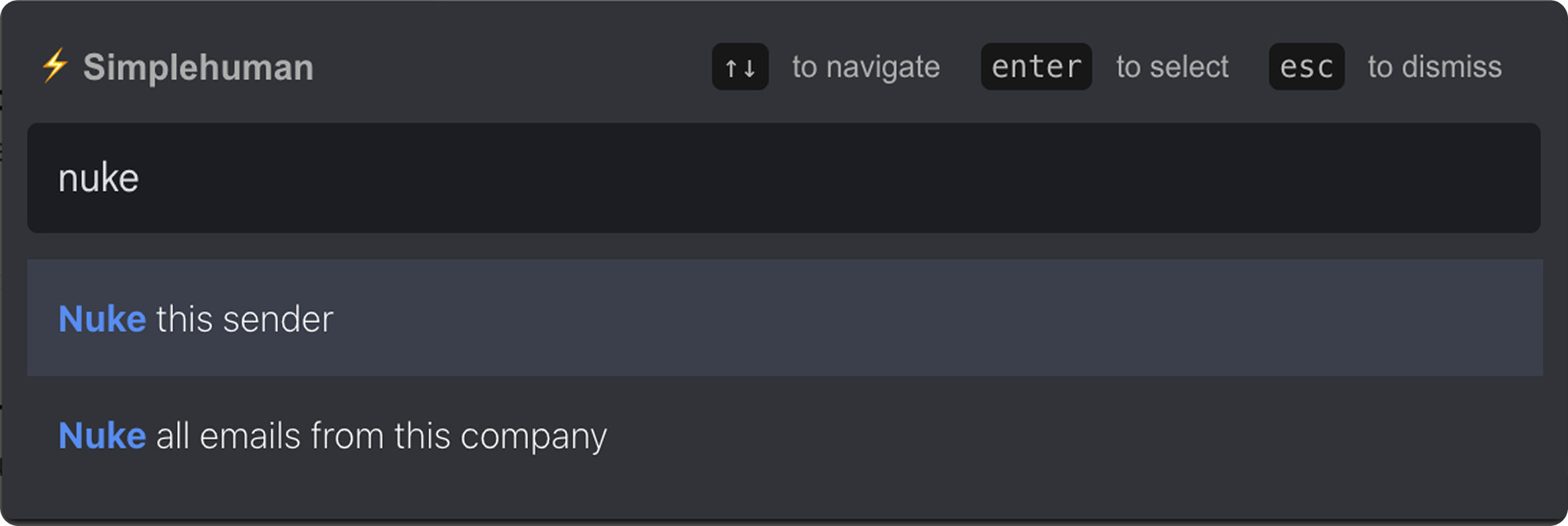
Command Center for emails - ⌘+K or Ctrl+K
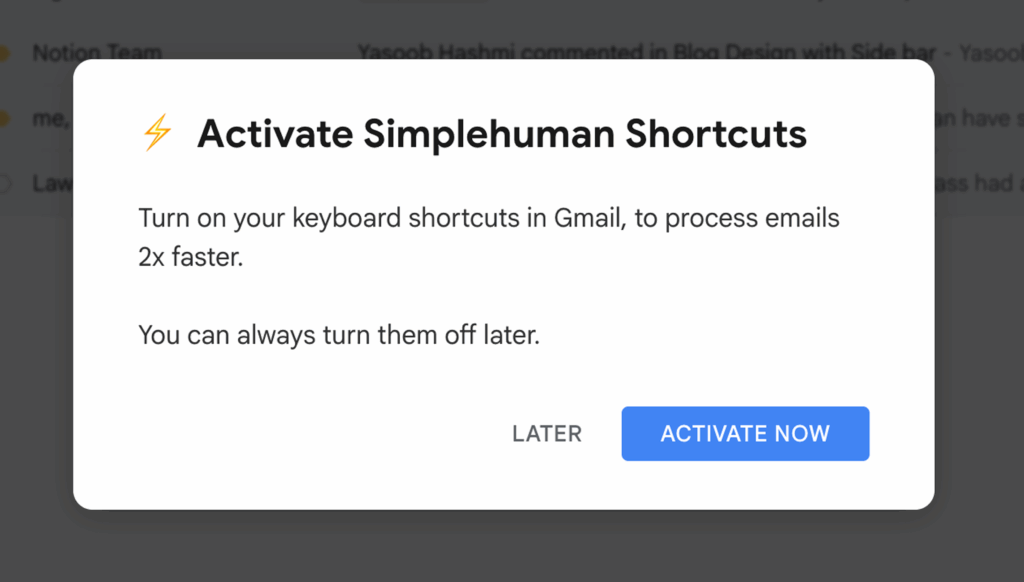
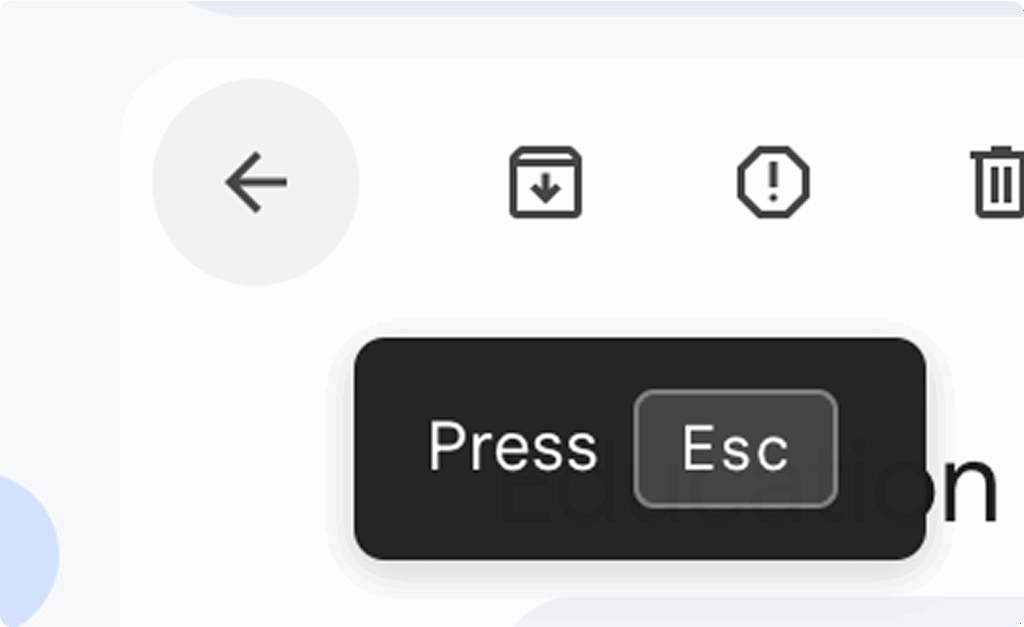
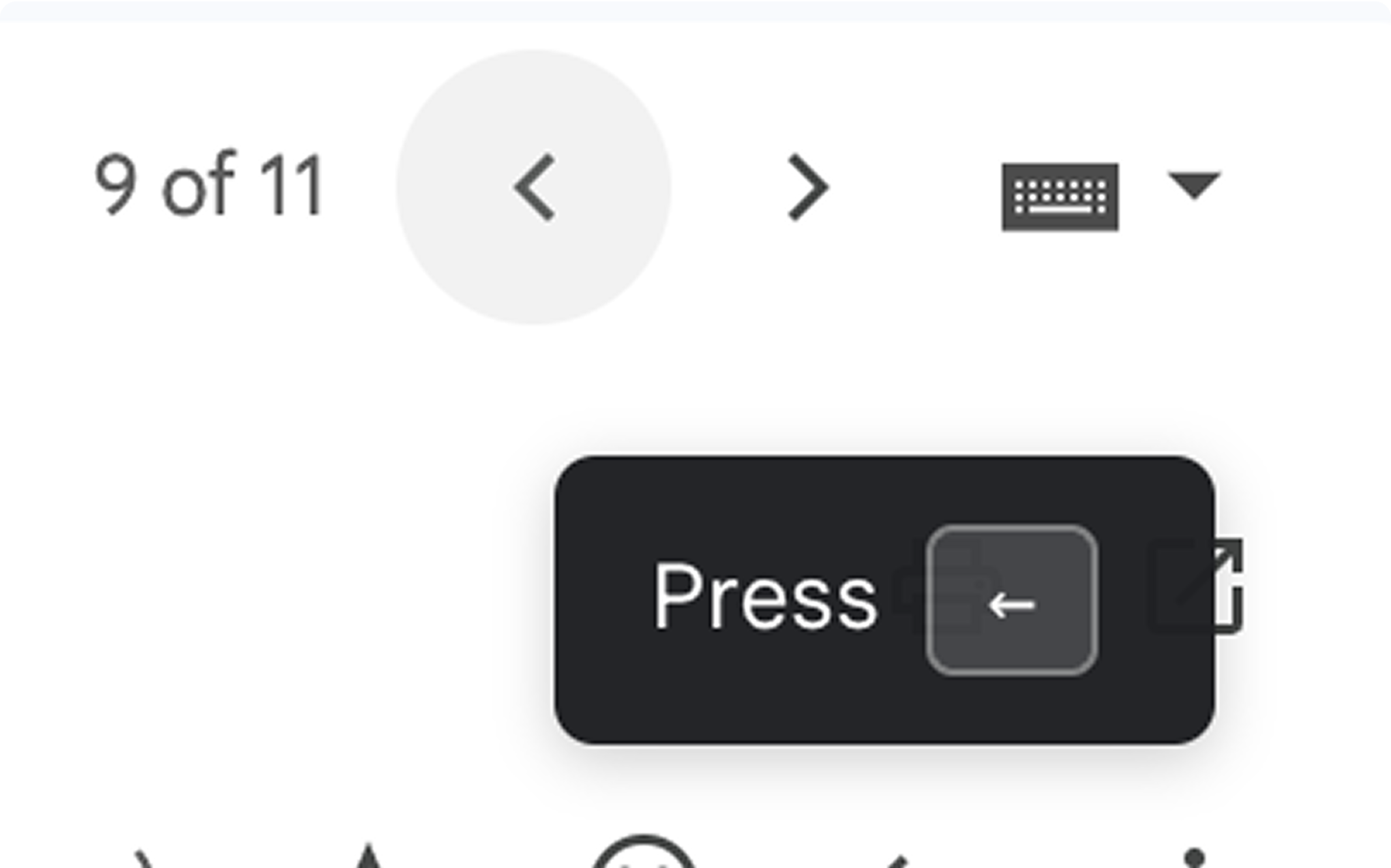
Nudges to learn keyboard shortcuts
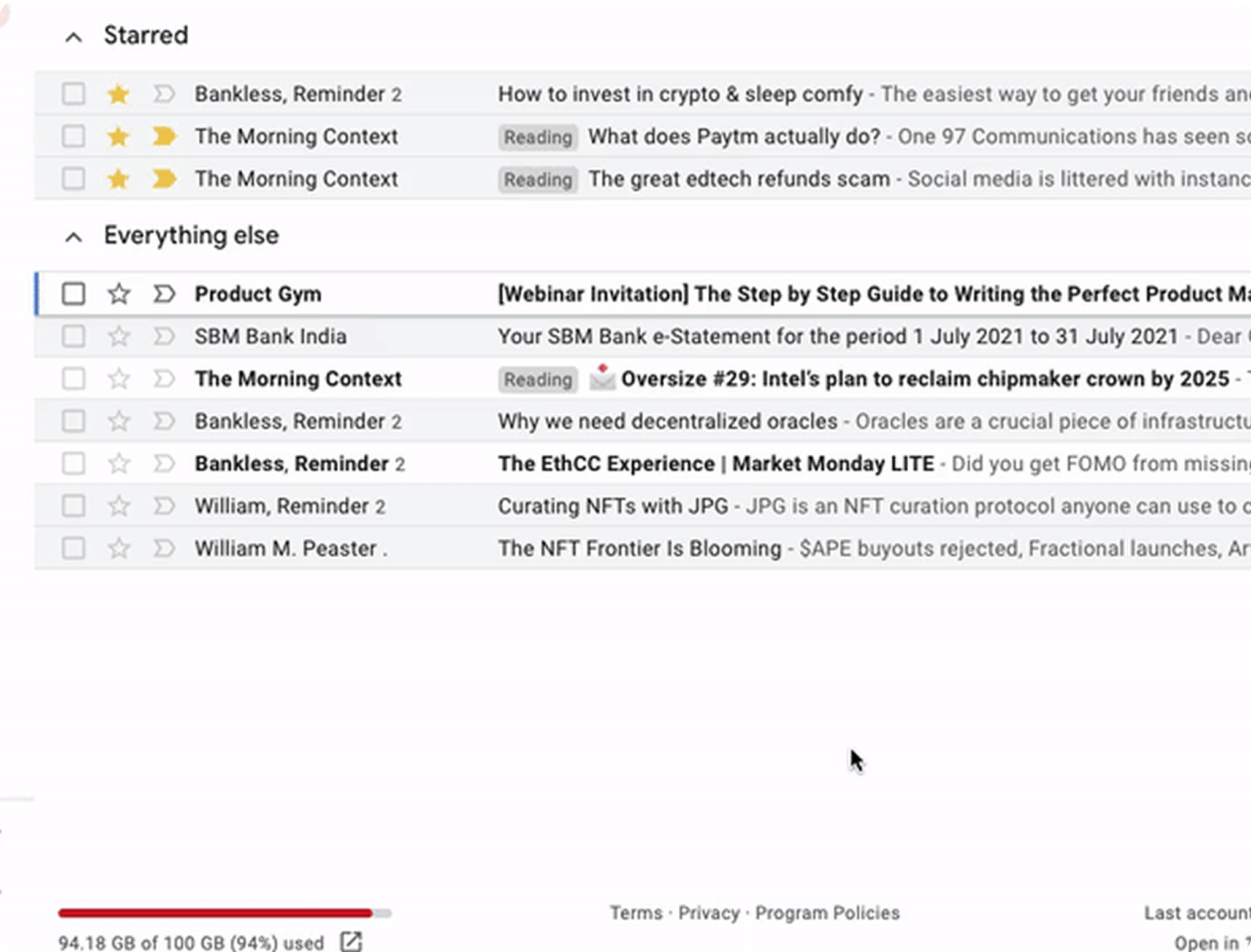
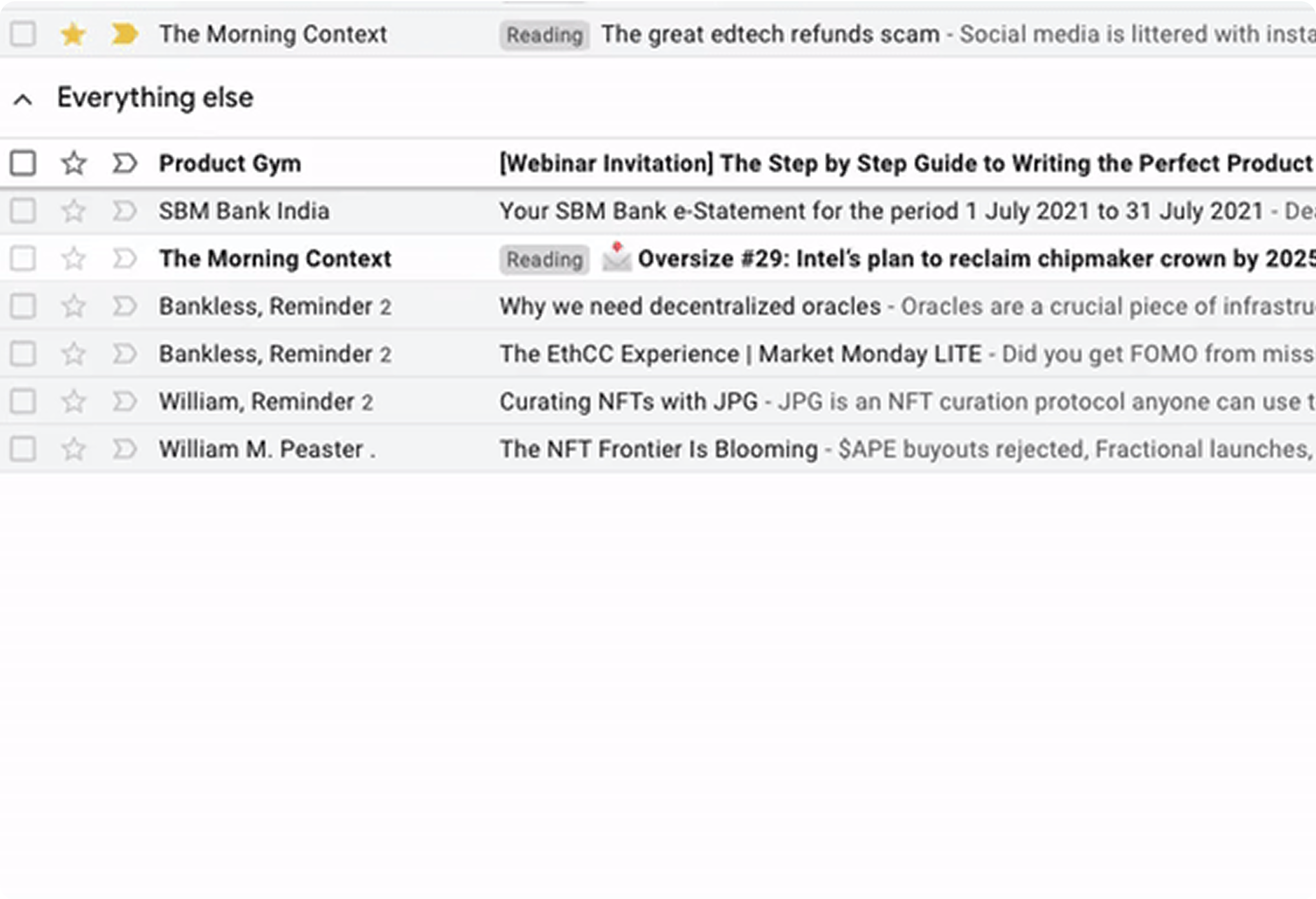
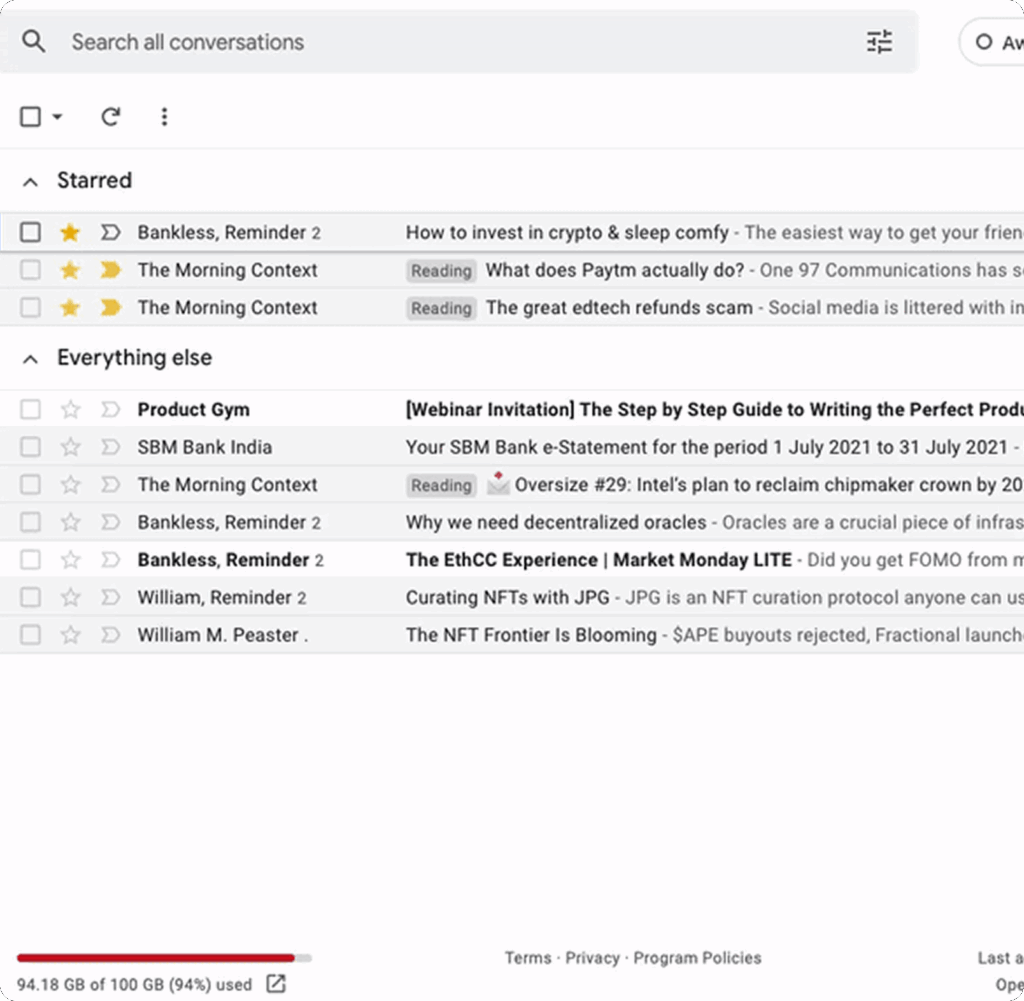
Easy navigation through your inbox
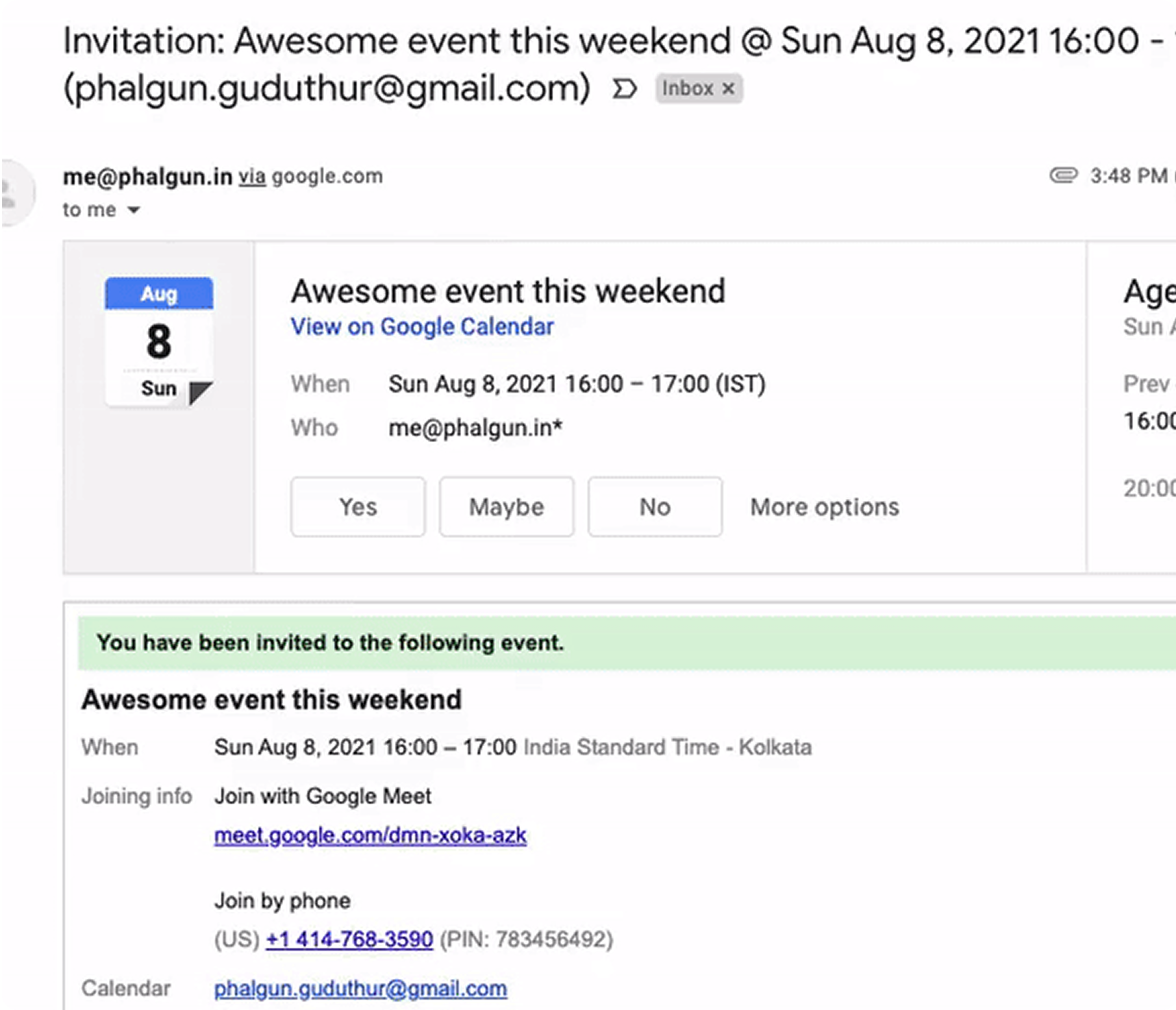
Quick actions for RSVP, Unsubscribe, and attachments
A browser extension that works with all other extensions
1 click keyboard shortcuts
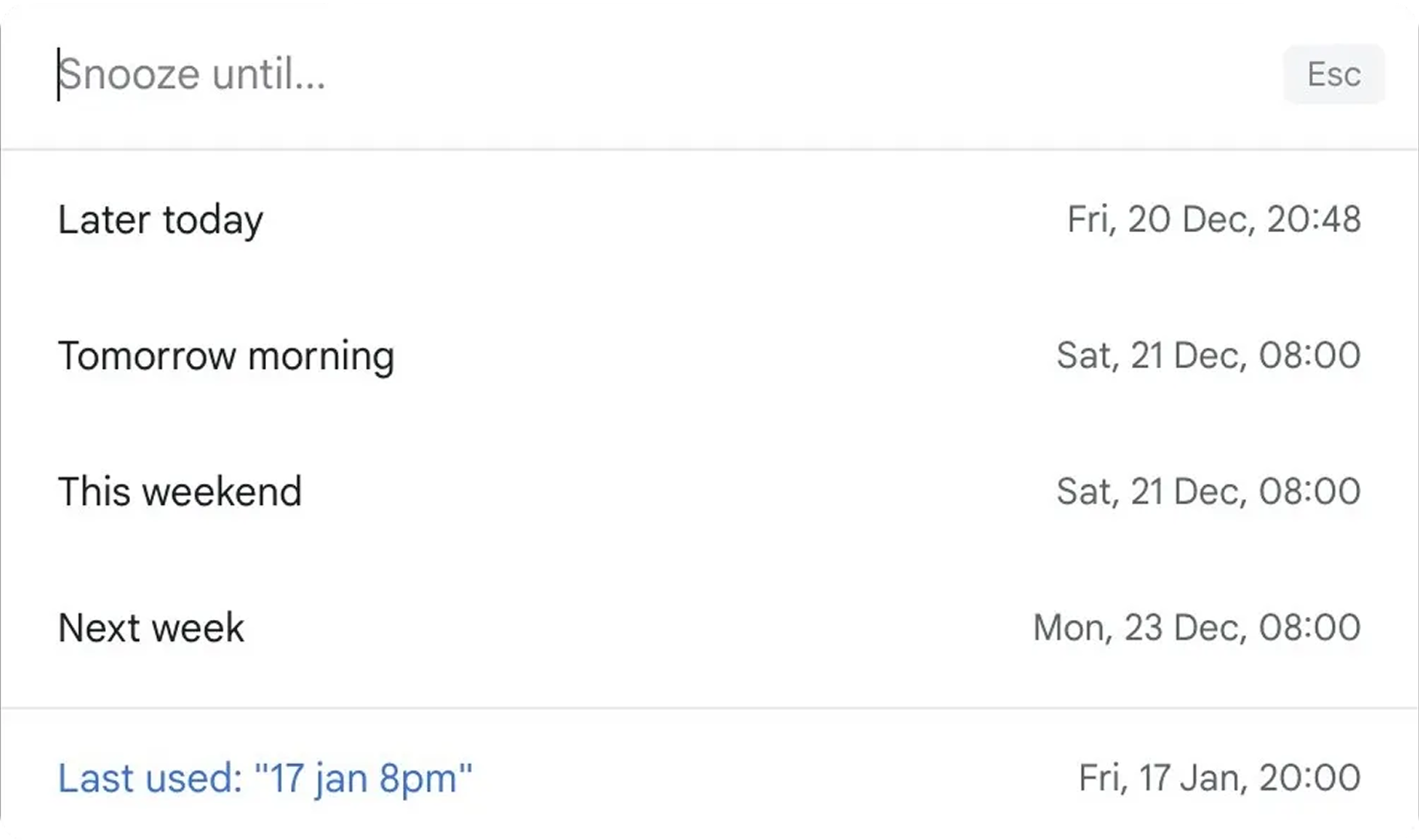
Natural language reminders and snooze
1 click unsubscribe
Split inbox (coming soon)
Multiple inboxes
1 year price lock in
Command Center for emails - ⌘+K or Ctrl+K
Nudges to learn keyboard shortcuts
Easy navigation through your inbox
Quick actions for RSVP, Unsubscribe, and attachments
A browser extension that works with all other extensions
1 click keyboard shortcuts
Natural language reminders and snooze
1 click unsubscribe
Split inbox (coming soon)
Everything in yearly
Protection against price changes
Command Center for emails - ⌘+K or Ctrl+K
Nudges to learn keyboard shortcuts
Easy navigation through your inbox
Quick actions for RSVP, Unsubscribe, and attachments
A browser extension that works with all other extensions
1 click keyboard shortcuts
Natural language reminders and snooze
1 click unsubscribe
Split inbox (coming soon)
Use with one inbox
No protection against price changes
Command Center for emails - ⌘+K or Ctrl+K
Nudges to learn keyboard shortcuts
Easy navigation through your inbox
Quick actions for RSVP, Unsubscribe, and attachments
A browser extension that works with all other extensions
1 click keyboard shortcuts
Natural language reminders and snooze
1 click unsubscribe
Split inbox (coming soon)
Multiple inboxes
1 year price lock in
Command Center for emails - ⌘+K or Ctrl+K
Nudges to learn keyboard shortcuts
Easy navigation through your inbox
Quick actions for RSVP, Unsubscribe, and attachments
A browser extension that works with all other extensions
1 click keyboard shortcuts
Natural language reminders and snooze
1 click unsubscribe
Split inbox (coming soon)
Everything in yearly
Protection against price changes
Command Center for emails - ⌘+K or Ctrl+K
Nudges to learn keyboard shortcuts
Easy navigation through your inbox
Quick actions for RSVP, Unsubscribe, and attachments
A browser extension that works with all other extensions
1 click keyboard shortcuts
Natural language reminders and snooze
1 click unsubscribe
Split inbox (coming soon)
Nice app. I like Gmail UI, but the shortcode options of SuperHuman. So your app is the best of both worlds!

Brian Dainis
Literally the best email extension you could get. Amazing alternative to Superhuman. Super clean and just works. Definitely worth the price and they are super responsive to feedback.

Danny Nielsen
This is aweeeeesome. It massively speeds up
and simplifies usage of Gmail. The original
shortcuts are so unintuitive, and this levels up
the whole experience massively. Great
pricepoint too, and the developer is super active and amazing at feedback and improvements.

Brent Maxwell
Loving SimpleHuman so far! Fast to learn, and I can see it saving me a lot of time!

Nathan Lippi
Love it! This extension helps me fly through my emails so I can get out of my inbox and back to revenue producing work. And great support! I had a few questions when I was getting started which they answered swiftly - even on a weekend!

Bill Brelsford
I recommend Simplehuman to every Gmail user I know 🙂

Rahul Desai
It's working perfectly. I just cleared 62 emails. I swear I would've died without Simplehuman 😂

Aditya Shah
Loved it. Killer and addictive. This should probably be the default option in Gmail.

Nagesh KM
Been using this a week and it's been life changing! Sign up and get a demo!

Atulaa